
How to Create Your InvoiceLaunch Account
Set up your InvoiceLaunch account in under 2 minutes.
Last updated: June 12, 2026
Creating your InvoiceLaunch account is quick and simple:
- Visit the Sign-Up Page: Go to the InvoiceLaunch homepage and click "Get Started" or "Sign Up".
- Enter Your Email: Provide your business email address.
- Create a Password: Choose a secure password (at least 8 characters).
- Verify Your Email: Check your inbox for a verification email and click the link to confirm.
- Complete Your Profile: Add your business name, address, and tax information for professional invoices.
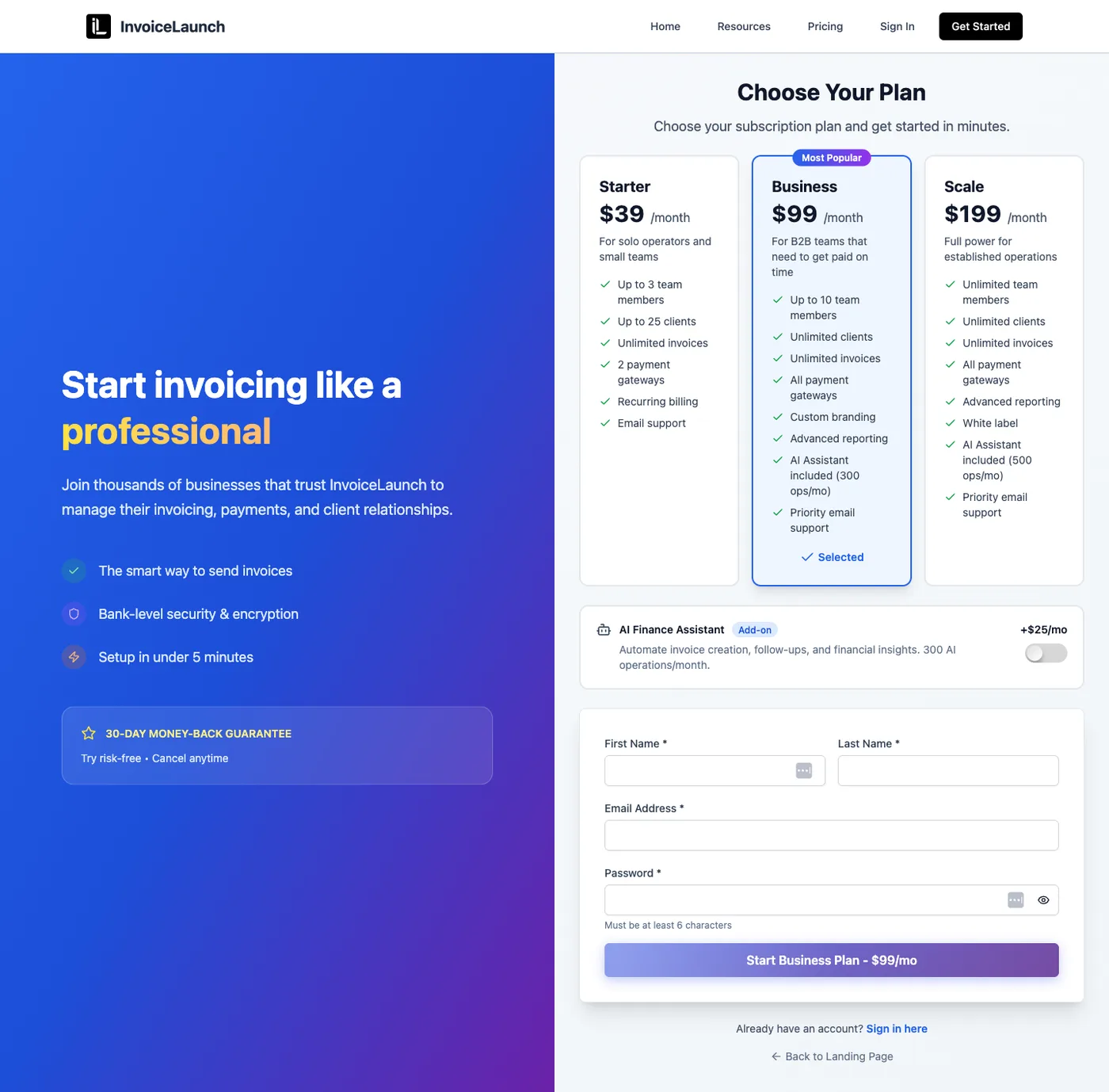
Once verified, you can immediately start creating invoices, adding clients, and accepting payments.
Tip: Complete your profile settings first for faster invoice creation later.
Was this article helpful?